

What is Reliant Email? Reliant Email is an Email Marketing Program that Allows its User to login to a Web Page Interface, Create an Ad or Message, Import Email Lists and SEND with a click of a button.
The Reliant Email System “Powers” Fully Managed TEXT or HTML Email Campaigns with EXTREME Ease at an Affordable Price.
One time set up fee of only $100.00*
Why Reliant Email?
- Building a rich, captivating ad creative in HTML or TEXT is simple with our easy-to-use Ad Builder.
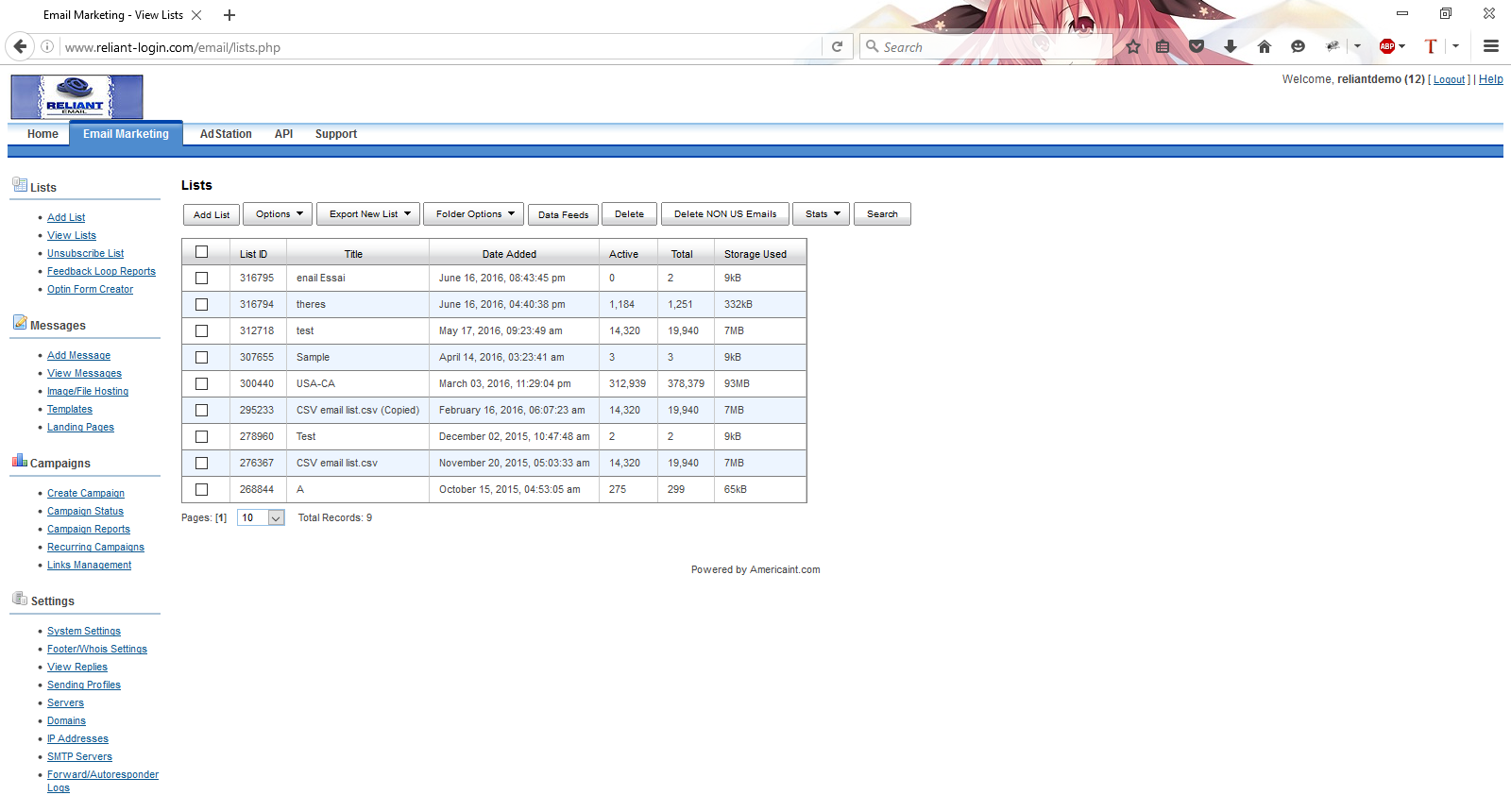
- Easy import of email lists. Or purchase opt-in General Consumer or Targeted Email Lists
- Send your email campaigns at blazing speeds up to 200,000 emails per hour!
- Track the success of your campaigns with real-time statistics!
- No Contracts – No Hidden Fees – Pay & Use as you go by the Month
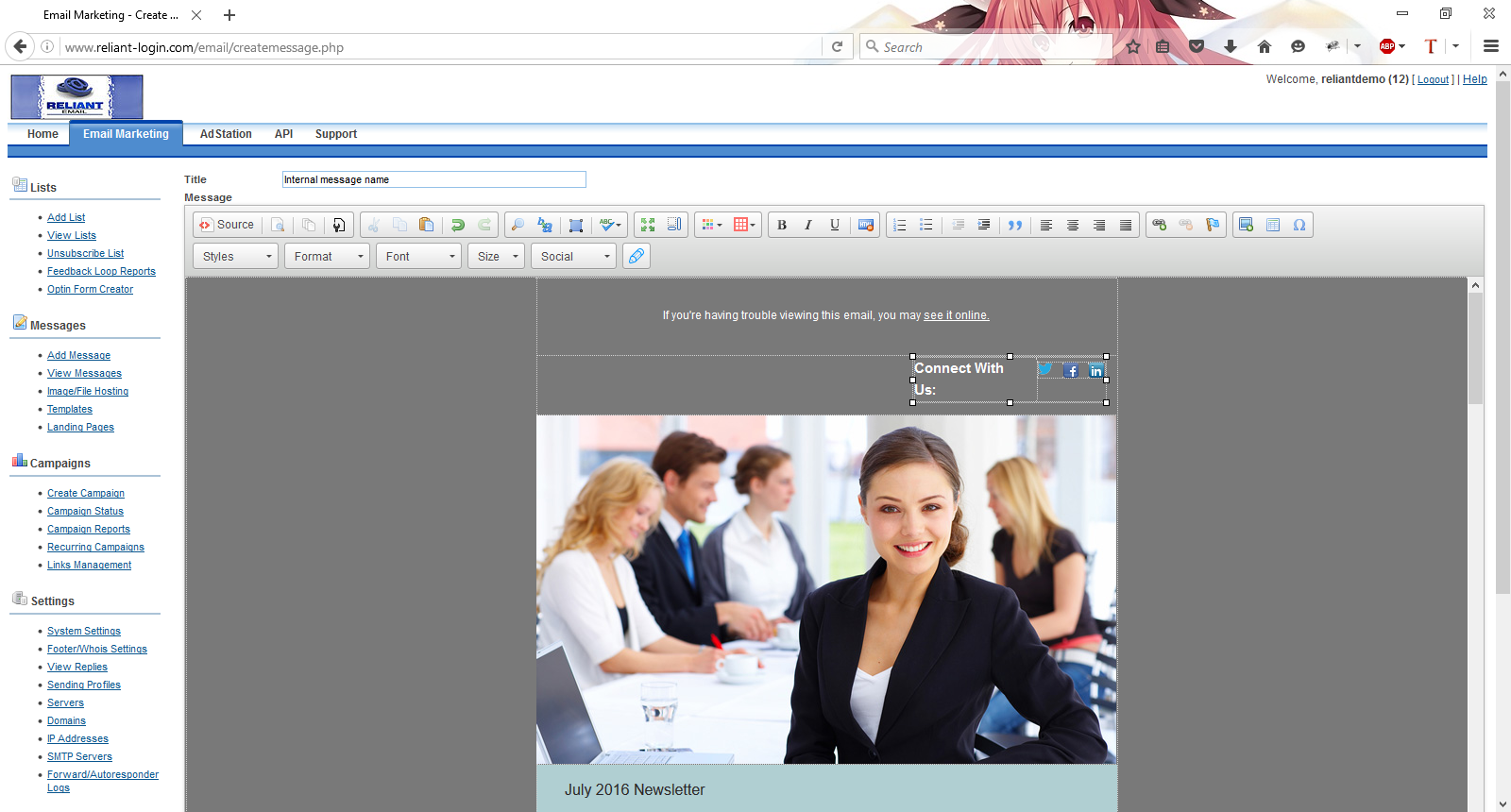
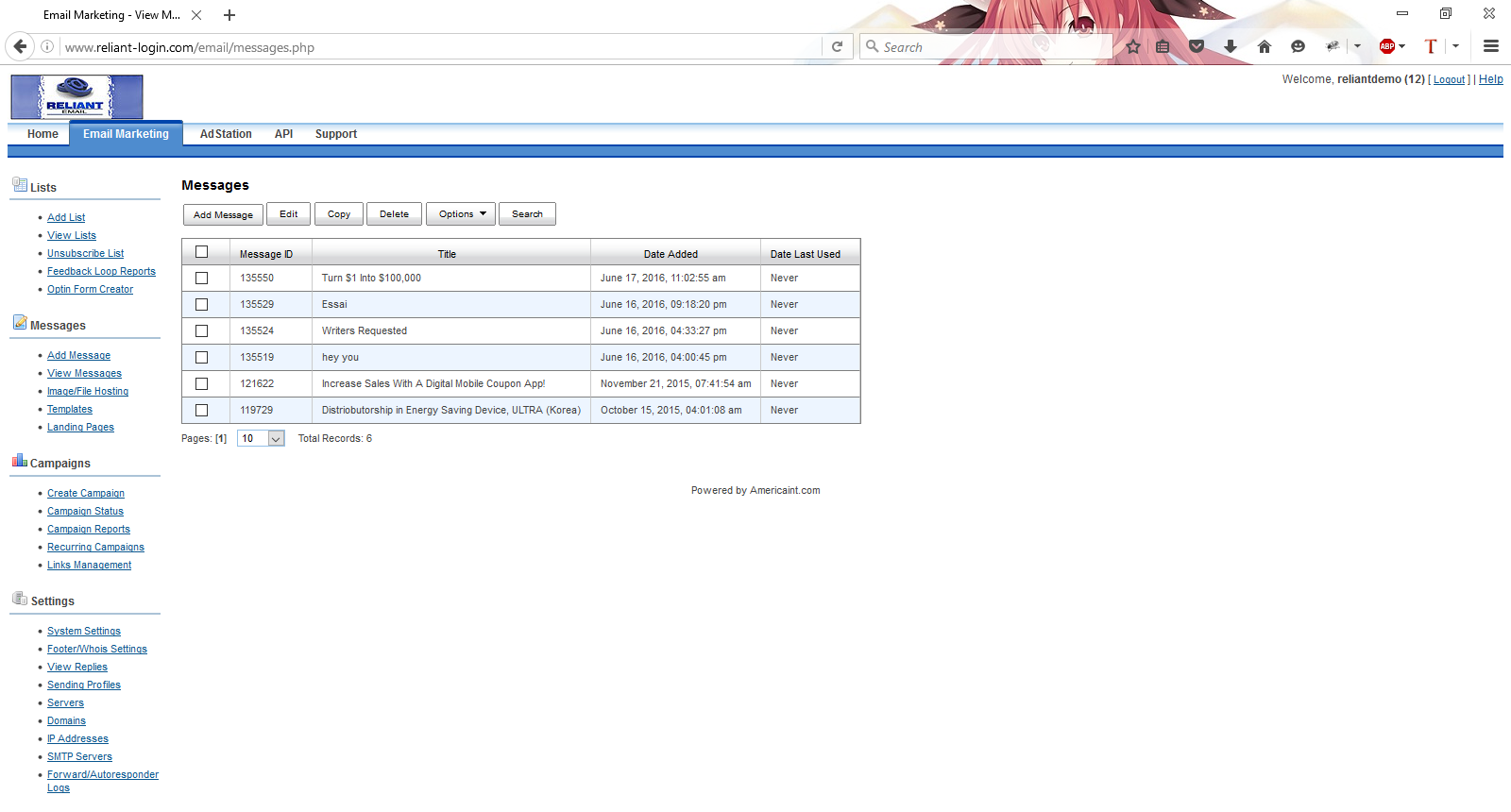
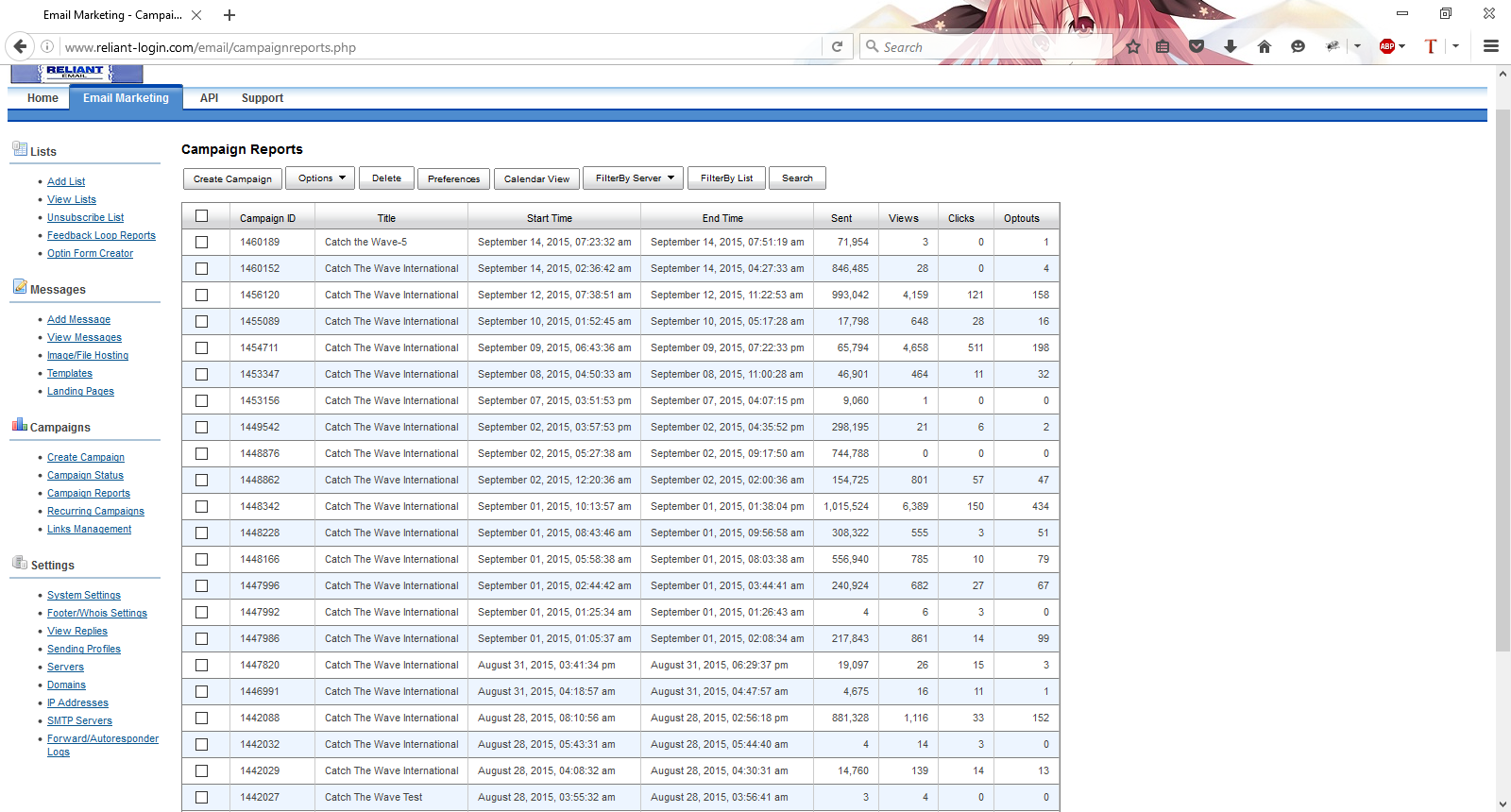
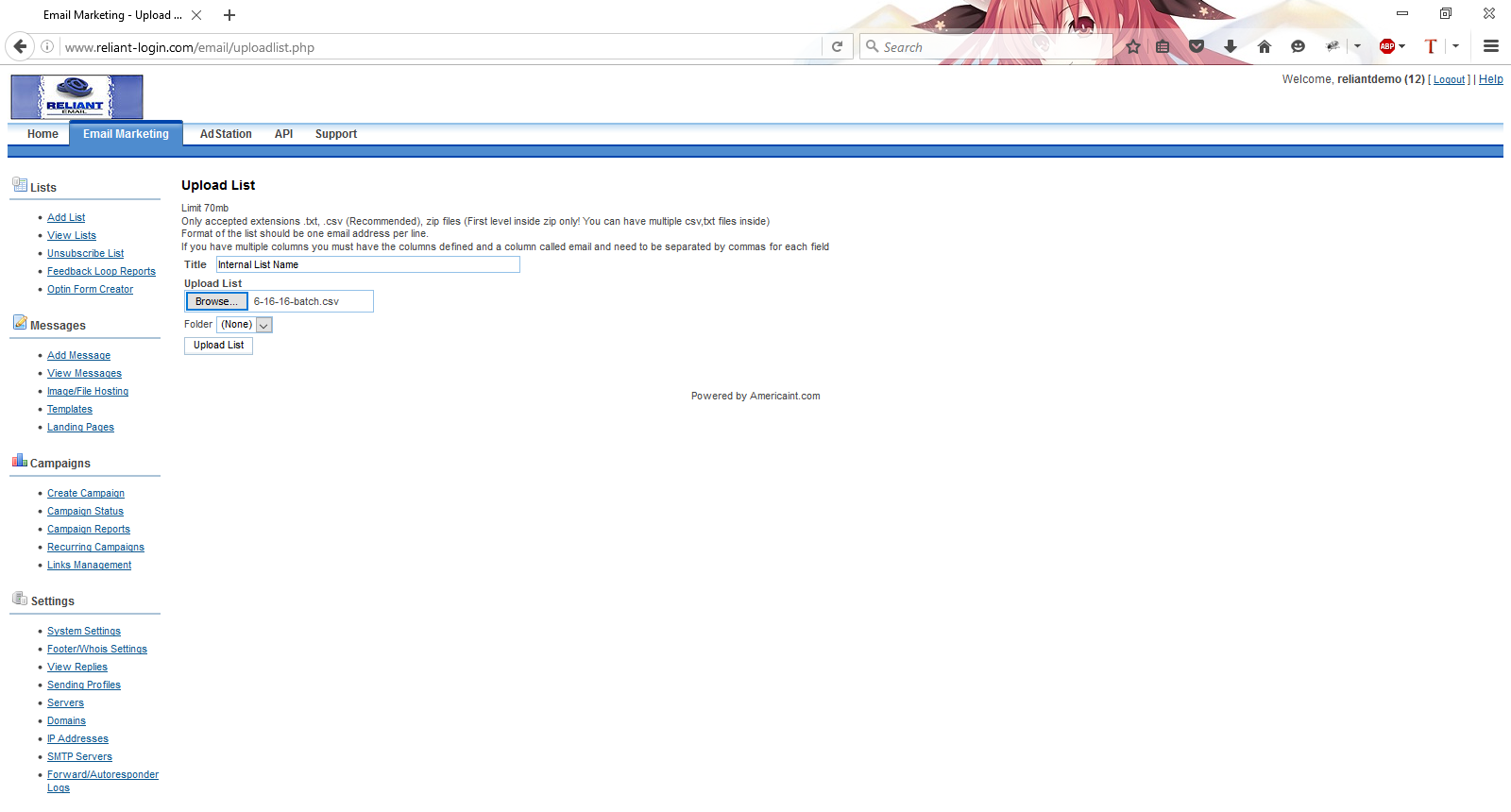
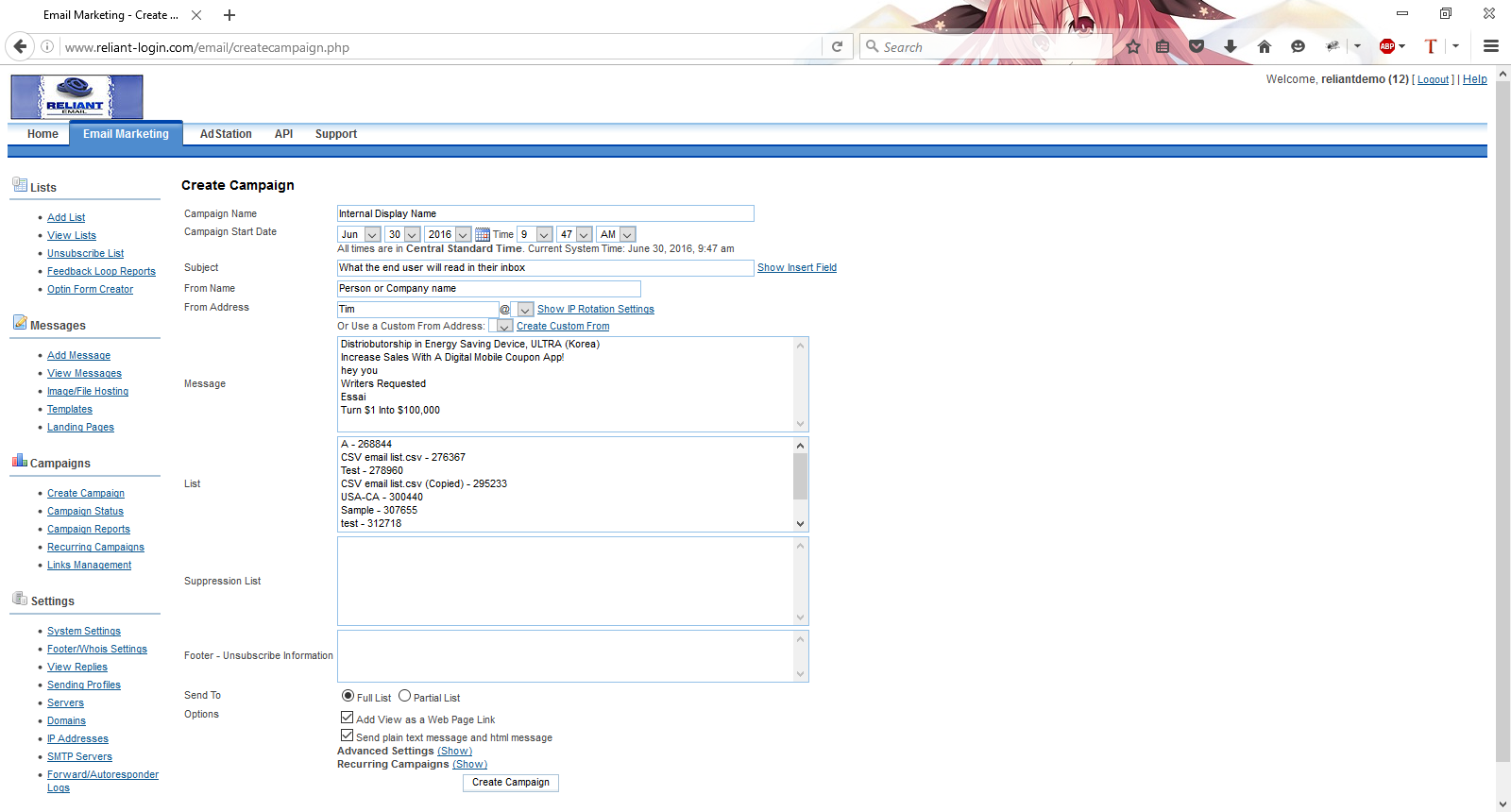
Reliant Email’s well designed interface makes executing email marketing campaigns, viewing reports and acquiring product support as easy as 1-2-3. See for yourself:
Reliant Email Marketing System Features:
- Exceptional delivery speeds in excess of 200,000 emails per hour.
- Fully Can-Spam Compliant.
- Exceptional value! Lowest cost in the industry!
- No long term contracts.
- The best web based email marketing software for self-managed campaigns
- No bulk email sender software to purchase or download.
- ISP issues and bandwidth problems are completely eliminated.
- Never lose your ISP.
- All email broadcasting is routed through our bulk email servers and bandwidth.
- Gets email delivered into the major ISPs
- Web based email marketing software allows you to login from any computer.
- Send all your campaigns directly through your web browser.
- Ability to launch email marketing campaigns from anywhere in the world.
- Login & broadcast your campaigns anytime – anywhere 24 hours per day, 7 days a week.
- Your lists are password-protected and secured accessible only by you.
- All servers are protected by secure firewall systems.
- Designing attractive ads quickly is easy when using Reliant Email’s built-in Ad Editor. You can also upload you own messages with a click of a button.
- Mail-Merge the name, address or any other data of your recipients into the message body or subject line of your out-bound campaigns for a more “personalized” feel.
- Displays full reporting with each campaign.
- Run multiple campaigns simultaneously
- Compare campaign open rates and click throughs to select your strongest ad and subject line combinations.
- Automatically handles unsubscribes and opt-out requests during your campaigns in real time.
- All accounts include a “from” email address.
- Bounce back undeliverable tracking.
- Verifies and cleans your email lists of undeliverables as it sends.
- Download your verified email lists, undeliverables & unsubscribes with a click of a button.
- EXTREMELY easy to use interface.
- Free product support.
Speed dependent on account size. The larger the account, the greater the bandwidth and outbound sending speed.
Account sizes 5 million and up are recommended to get 3rd party servers for additional domains and IP addresses. Setup fee for 3rd party servers are an additional $100 and each additional domain is $25. Speak to an account representative to learn the benefits of having a dedicated 3rd party server.
For more details regarding our exciting Reliant Email bulk email marketing system, please contact us. An account representative will be happy to answer any of your questions.
 Free Test Drive
Try out our powerful Reliant Email self-service email marketing system. No payment information is required until you are completely satisfied. This is a fully functional demo to get a feel of the system’s functionality. The only restriction is that you will not be able to send out emails. To access the demo, enter your email address below. Please use a valid email, as your trial key will be validated through this address. Once you submit you will be redirected to the Reliant Email log-in page. Please enter in the following to begin your test drive:
Username: reliantdemo
Password: demo